


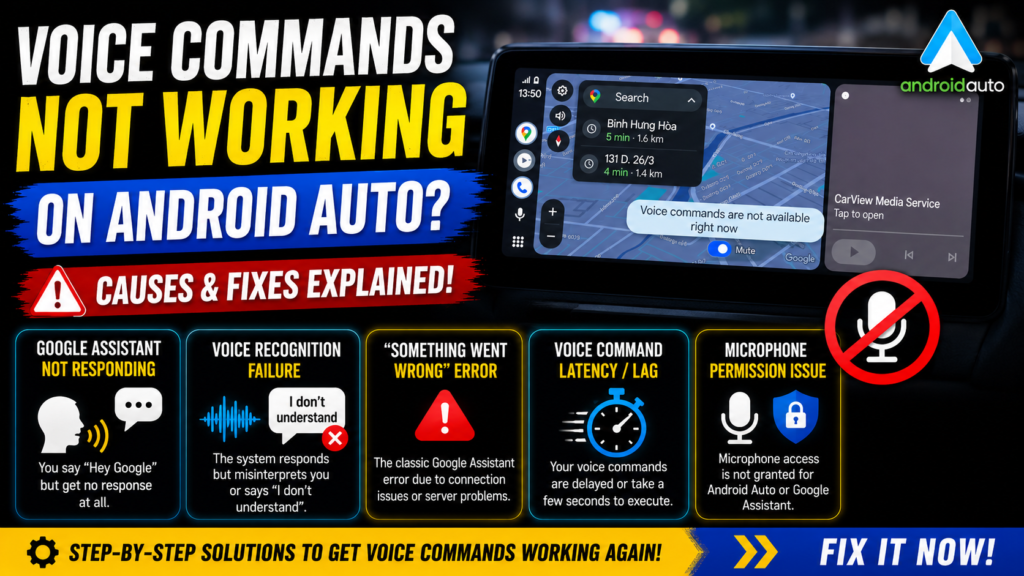
Is your Google Assistant not responding or are you getting the “Something went wrong” error on Android Auto? In this technical tutorial, I’ll show you a reliable fix by resetting the app storage.

Steps covered in this video: Navigating to App Settings.
Clearing Storage and Cache for the Android Auto app. Clearing Data for the Google app to reset the Assistant. Final setup for voice recognition. This method often resolves issues where the microphone icon is unresponsive or voice commands fail after a system update.
#AndroidAuto #GoogleAssistant #TechTutorial #AndroidFix #VoiceCommands #CarTech
READ MORE
Watch YouTube on Android Auto NO ROOT! (Android 14, 15, 16)

How to Downgrade iOS Apps: Download Old Versions with DLiPA & TrollStore

If your Install is successful, please donate to ME, Thanks!
👍👍👍 http://bit.ly/donatePhoneGaming
———————————-
FOLLOW US 👍
▶️ FACEBOOK: https://www.facebook.com/gsmfixchannel/
▶️ SUBSCRIBE: https://goo.gl/EfqA7U
▶️ GOOGLE+: https://goo.gl/RYW8