
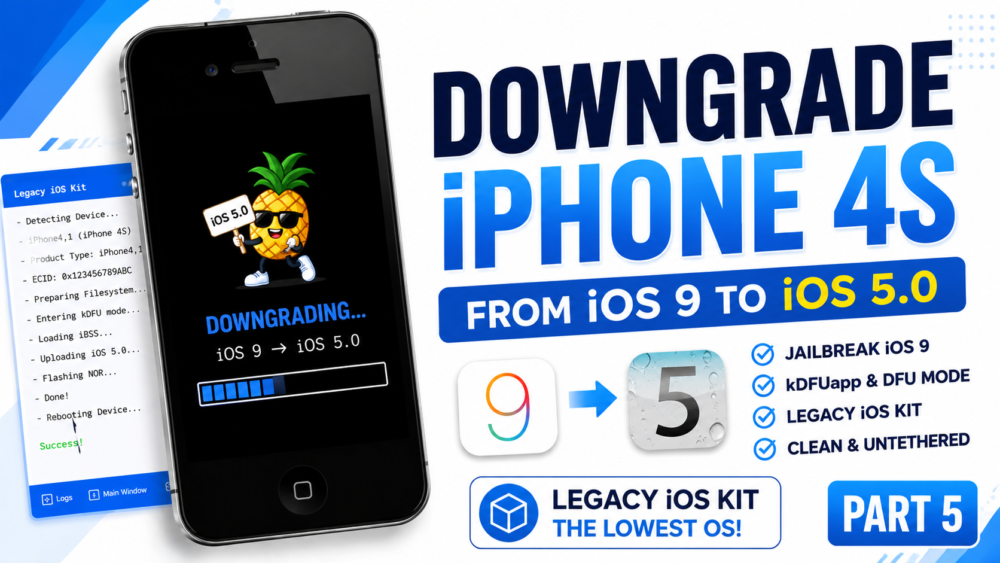

iPhone 4s Guide 5 | How to Downgrade iOS 9 to iOS 5.0 (Lowest iOS) | Legacy iOS Kit
Welcome to Part 5 of the Ultimate iPhone 4S Guide! Did you know that the iPhone 4S can be downgraded all the way back to its original launch firmware? In this episode, I will show you how to downgrade your iPhone 4S from iOS 9 down to the absolute lowest supported operating system: iOS 5.0!
We will be using the newly updated support in Legacy iOS Kit. The process involves jailbreaking iOS 9 via the browser, installing the kDFUapp to enter pwned DFU mode, and using both iOS 6.1.3 and iOS 5.0 IPSW files to perform a clean, untethered downgrade.
Important Note: Legacy iOS Kit requires two IPSW files for this downgrade: the target iOS 5.0 firmware and the iOS 6.1.3 firmware (used for components/baseband). Make sure your device is properly in kDFU mode before connecting to the tool. Please back up your data, as this will erase your device!
#iPhone4S #iOS5 #LegacyiOSKit #Downgrade #RetroTech
🔔 If this tutorial helped you experience iOS 5 in 2026, please hit the LIKE button, SHARE, and SUBSCRIBE for more retro tech restorations!
Download File:
https://github.com/LukeZGD/Legacy-iOS-Kit/releases/tag/latest
READ MORE
iPhone 4s Guide 4 | How to Bypass iCloud Activation iOS 6.1.3 (OpenSSH & 3uTools)
iPhone 4s Guide 3 | Downgrade iOS 9 to iOS 6.1.3 on WINDOWS (3uTools)
If your Install is successful, please donate to ME, Thanks!
👍👍👍 http://bit.ly/donatePhoneGaming
———————————-
FOLLOW US 👍
▶️ FACEBOOK: https://www.facebook.com/gsmfixchannel/
▶️ SUBSCRIBE: https://goo.gl/EfqA7U
▶️ GOOGLE+: https://goo.gl/RYW8







Để lại một bình luận