
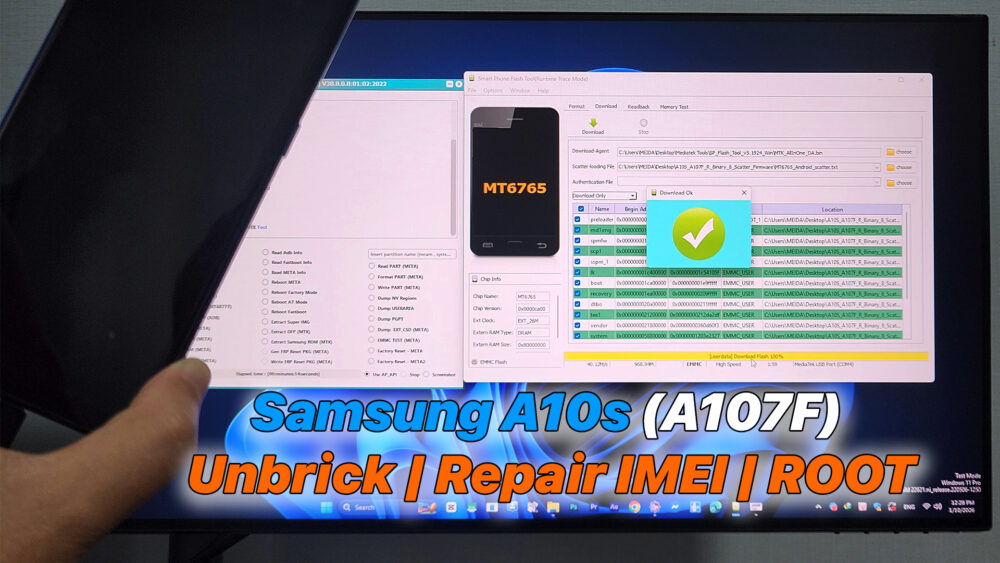

Samsung A10s (A107F) Unbrick | Repair IMEI | ROOT
– In this video, I will show you how to unbrick Samsung Galaxy A10s (SM-A107F), repair or restore IMEI, and ROOT the device step by step.
This guide is useful if your Samsung A10s is stuck on boot logo, dead after flashing, soft brick, no service / null IMEI, or failed Magisk root.
Warning: Unlocking bootloader, repairing IMEI, or rooting may void warranty. Do this at your own risk. This video is for educational purposes only.
If you find this video helpful, don’t forget to LIKE, SHARE, and SUBSCRIBE for more Samsung repair, root, and Android Auto tutorials.
#SamsungA10s #A107F #UnbrickSamsung #RepairIMEI #FixNullIMEI #SamsungUnbrick #RootSamsung #MagiskRoot #SamsungRepair #FixBootloop #SamsungDeadBoot #SamsungNoService #AndroidRoot #SamsungFirmware #OdinFlash #SamsungMTK #SamsungIMEIRepair
Download File:
A10s-Samsung-MTK6765-Unbrick
https://samfw.com/firmware/SM-A107F/XEV/A107FXXU8BUC2
MTK Auth Bypass Tool V30
– Odin 3.14.4
– Samsung USB driver
READ MORE
Samsung Galaxy S23 Ultra ROOT – Screen Mirroring to Android Auto via Screen2Auto
How To Watch YouTube on Android Auto WITHOUT ROOT | AABrowser
If your Install is successful, please donate to ME, Thanks!
👍👍👍 http://bit.ly/donatePhoneGaming
———————————-
FOLLOW US 👍
▶️ FACEBOOK: https://www.facebook.com/gsmfixchannel/
▶️ SUBSCRIBE: https://goo.gl/EfqA7U
▶️ GOOGLE+: https://goo.gl/RYW8


Trả lời