
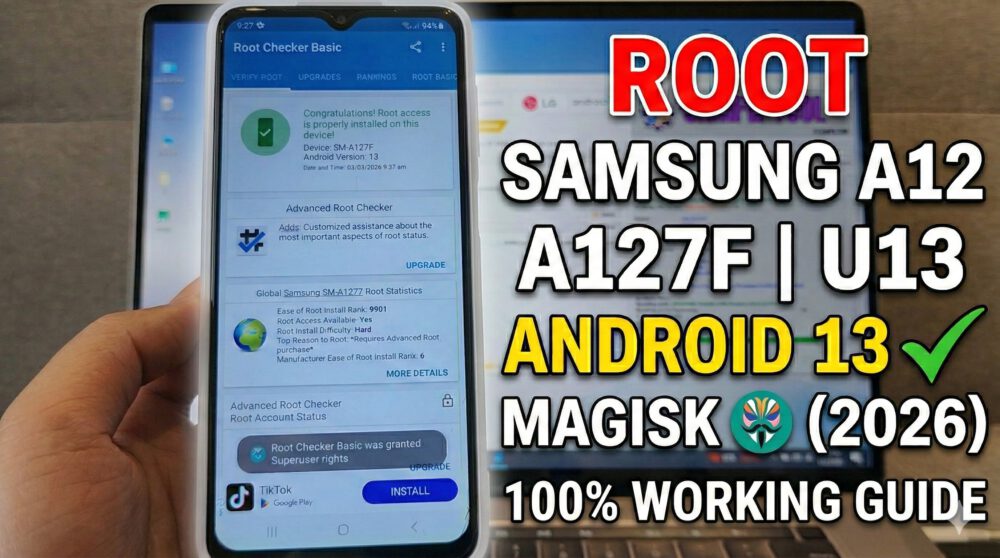

Looking to gain root access on your Samsung Galaxy A12 (SM-A127F) running Android 13 with Binary U13? You’re in the right place!
In this video, I will show you the safest way to root your device using Magisk. This method involves patching the AP firmware file and flashing it via Odin.
⚠️ Disclaimer: Rooting your device will void your warranty and trip Knox. It will also wipe all your data. Please backup everything before proceeding.
What you’ll learn:
How to check your Binary version (U13).
Unlocking the Bootloader on Samsung A12.
Flashing the patched firmware via Odin.
#SamsungA12 #A127F #RootAndroid13 #Magisk #U13Binary #SamsungRoot #AndroidRooting #A127FRoot #OdinFlash
Download Link:
https://www.mediafire.com/file_premium/t88jewhgkjrmob2/A127FXXSDDXJ2-Root_Magisk.zip/file
https://samfw.com/blog/download-odin-all-version
READ MORE
How to Fix YouTube “Update Required” on iOS 15 | iPhone 6s/6s+/7/7+ Legacy Support (2026)
How to Jailbreak iPhone X iOS 16.7.14 with Palera1n Roothide (2026 Guide)
If your Install is successful, please donate to ME, Thanks!
👍👍👍 http://bit.ly/donatePhoneGaming
———————————-
FOLLOW US 👍
▶️ FACEBOOK: https://www.facebook.com/gsmfixchannel/
▶️ SUBSCRIBE: https://goo.gl/EfqA7U
▶️ GOOGLE+: https://goo.gl/RYW8


Trả lời