
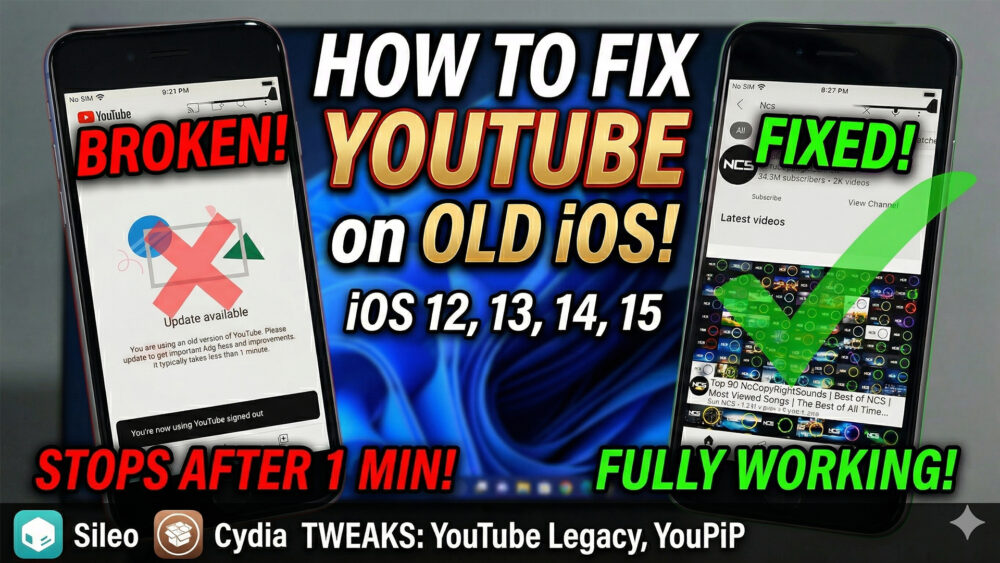

How to fix Youtube update required & Playback stops after a minute iPhone /iPad iOS 12 /13/14/15
Struggling with the “Update Required” prompt or YouTube videos stopping after 1 minute on your older iPhone or iPad? In this video, I’ll show you a step-by-step guide to reviving YouTube on iOS 12, 13, 14, and 15. We will bypass the version restriction and fix the playback playback bug using essential jailbreak tweaks
Steps covered in this video:
Identify your Jailbreak: Visit https://ios.cfw.guide/ to find the right tool for your device (Example: iPhone 6, iOS 12.5.8 using Chimera).
Setup Sileo/Cydia: Add the official PoomSmart repository: https://poomsmart.github.io/
Install Fix Tweaks: Search and install YouTube Legacy (to bypass update) and YouPiP (to fix the 1-minute playback issue).
#iOS12 #YouTubeFix #Jailbreak #OldiPhone #YouTubeLegacy #YouPiP #iPhone6 #iOS13 #iOS14 #Sileo #PoomSmart
https://www.mediafire.com/file/1axzhadlxosmnf8/ChimFix.ipa/file
READ MORE
How to Jailbreak iOS 15 – 16.7.x using 3uTools & Dopamine
How to Jailbreak iOS 15.8.7 | Dopamine RootHide (iPhone 6s/7/Plus)
If your Install is successful, please donate to ME, Thanks!
👍👍👍 http://bit.ly/donatePhoneGaming
———————————-
FOLLOW US 👍
▶️ FACEBOOK: https://www.facebook.com/gsmfixchannel/
▶️ SUBSCRIBE: https://goo.gl/EfqA7U
▶️ GOOGLE+: https://goo.gl/RYW8


Trả lời