
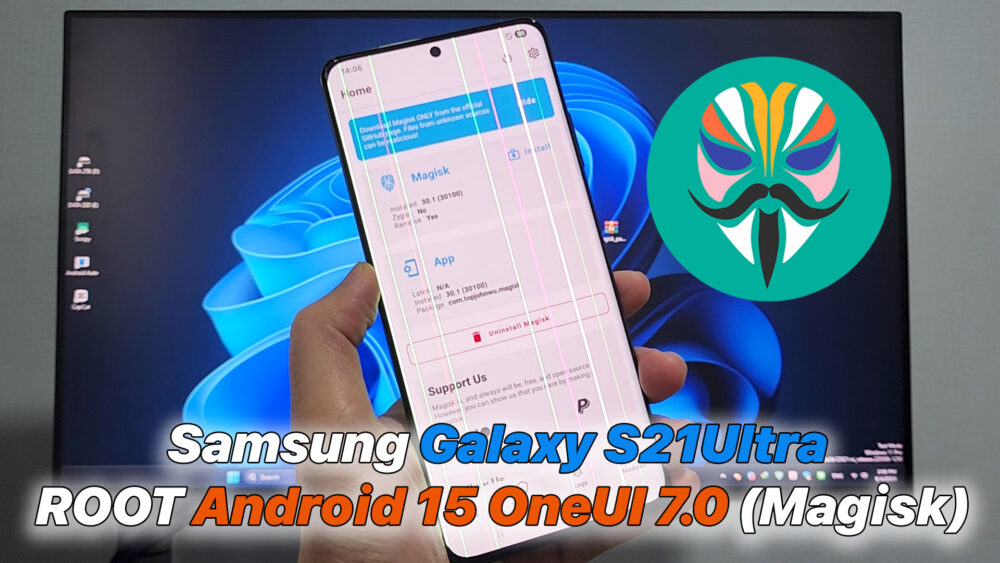

Samsung S21Ultra ROOT Android 15 OneUI 7.0 (Magisk)
In this video, I will guide you step-by-step on how to ROOT the Samsung Galaxy S21 Ultra (SM-G998) running Android 15 with One UI 7.0 using Magisk.
This method covers unlocking the bootloader, patching the boot.img file, and flashing Magisk to gain full root access.
After rooting, you can install root-required apps, remove system bloatware, customize your phone, and maximize performance.
✅ Supported devices: Samsung Galaxy S21 Ultra (G998B, G998N, etc.)
✅ Android version: Android 15 (One UI 7.0)
✅ Tools used: Magisk, Odin, SamFW Tool (optional)
⚠️ Disclaimer:
– Rooting may void your warranty.
– Backup your data before proceeding.
– Incorrect steps may cause bootloop or soft-brick.
– Do it at your own risk.
Download File:
https://samfw.com/Odin/Samfw.com_Odin3_v3.14.4.zip\
https://samfw.com/SamFwToolSetup_v4.9.zip
https://github.com/topjohnwu/Magisk/releases
READ MORE
Samsung Galaxy A06(A065) ROOT Android 14/15 (Magisk)
Samsung S20 FE Update Android 15 OneUI 7.0 | G780G/G781B/G781N/G7810 – ROOT(Magisk)
If your Install is successful, please donate to ME, Thanks!
👍👍👍 http://bit.ly/donatePhoneGaming
———————————-
FOLLOW US 👍
▶️ FACEBOOK: https://www.facebook.com/gsmfixchannel/
▶️ SUBSCRIBE: https://goo.gl/EfqA7U
▶️ GOOGLE+: https://goo.gl/RYW8


Trả lời