
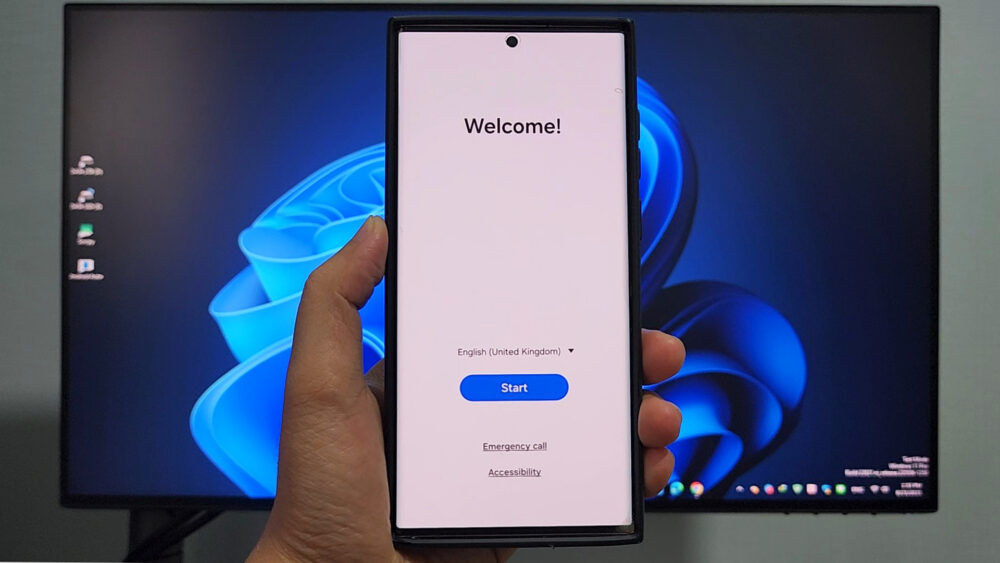

Samsung Galaxy S22 Ultra Downgrade Android 15 to Android 14
Guide: If your S22 Ultra on Android 15 (One UI 7) has issues, you can safely downgrade to Android 14 (One UI 6).
1. Download Samsung USB Drivers, Odin Tool, and Android 14 firmware (SamFW or SamMobile).
2. Boot phone into Download Mode (Vol Down + Vol Up + USB).
3. Open Odin → load BL, AP, CP, CSC files.
4. Click Start → wait for PASS → phone reboots to Android 14.
Download File:
Odin 3.14.4
Flash by SamFw Tool
Samsung USB driver
READ MORE
FREE | Samsung Android 15 Bypass Google Account (FRP Lock)
FREE 2025 | Samsung Galaxy Android 14 Bypass Google Account( FRP Lock) Any Deices
If your Install is successful, please donate to ME, Thanks!
👍👍👍 http://bit.ly/donatePhoneGaming
———————————-
FOLLOW US 👍
▶️ FACEBOOK: https://www.facebook.com/gsmfixchannel/
▶️ SUBSCRIBE: https://goo.gl/EfqA7U
▶️ GOOGLE+: https://goo.gl/RYW8


Trả lời