


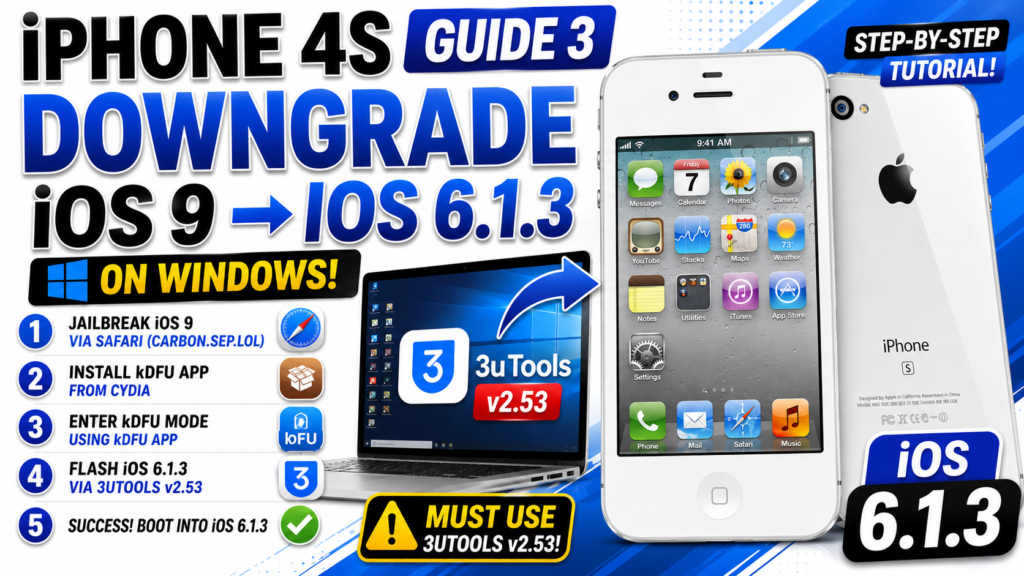
iPhone 4s Guide 3 | Downgrade iOS 9 to iOS 6.1.3 on WINDOWS (3uTools)
Welcome to Part 3 of the Ultimate iPhone 4S Guide! In the first episode, we downgraded the iPhone 4S using a Mac. But what if you only have a Windows PC? In this tutorial, I will show you the easiest way to downgrade your iPhone 4S from iOS 9 down to iOS 6.1.3 using Windows, kDFU app, and 3uTools!

This method uses the OTA downgrade trick. We will first jailbreak the device, install kDFU to force it into DFU mode, and then flash the iOS 6 firmware using a specific older version of 3uTools (v2.53).
Important Note: You MUST use 3uTools version 2.53 for this to work correctly! Newer versions might block the OTA downgrade. Ensure you have the ota_iphone4,1 file ready. Back up your data, as this process will erase everything. Drop a comment if you need the download links!
If this Windows tutorial helped you revive your iPhone 4S, please hit the LIKE button, SHARE, and SUBSCRIBE for more retro Apple guides!
#iPhone4S #Downgrade #3uTools #iOS6 #WindowsTutorial
Download File:
https://www.mediafire.com/file/r63qdtdo4nr7pj7/3utools_253010.exe/file
https://www.mediafire.com/file_premium/8efv30j38wtll3b/ota_iPhone4%252C1.ipsw/file
READ MORE
iPhone 4s Guide 2 | How to Bypass “Activation Required” (IMEI 99) | ChickenA5 (Windows)

iPhone 4s Guide 1 | How to Downgrade iPhone 4S to iOS 6.1.3 | Legacy iOS Kit (Mac Tutorial)

If your Install is successful, please donate to ME, Thanks!
👍👍👍 http://bit.ly/donatePhoneGaming
———————————-
FOLLOW US 👍
▶️ FACEBOOK: https://www.facebook.com/gsmfixchannel/
▶️ SUBSCRIBE: https://goo.gl/EfqA7U
▶️ GOOGLE+: https://goo.gl/RYW8