
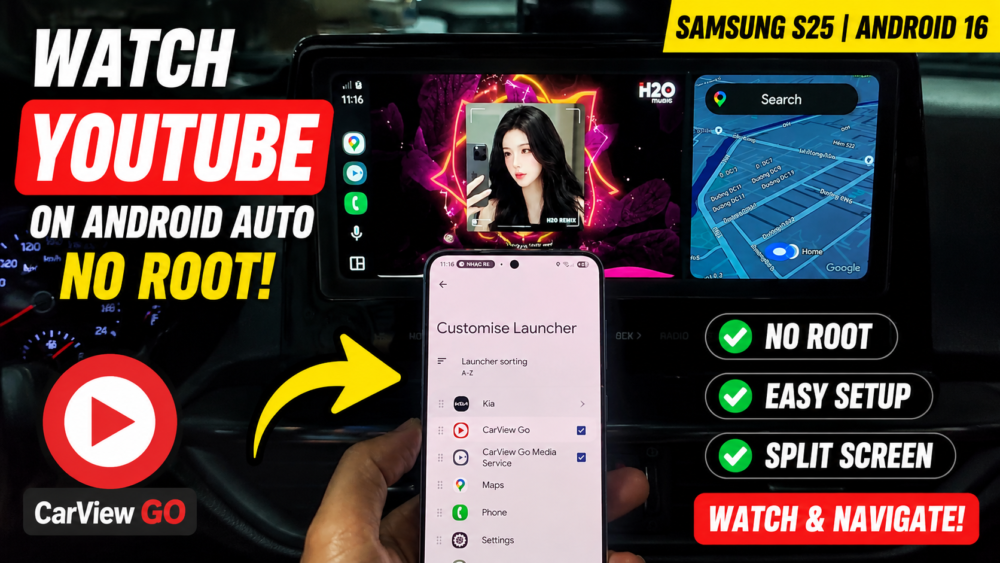

How to Watch YouTube on Android Auto NO ROOT | Samsung S25 & Android 16 (CarView )
⚠️ SAFETY DISCLAIMER: Please drive safely! Watching videos while driving is dangerous and illegal in many places. This tutorial is intended for entertainment purposes only when the vehicle is parked, or for the entertainment of your passengers. Please obey all local traffic laws.
– Want to watch YouTube on your car’s dashboard screen without modifying or rooting your phone? In this video, I’ll show you exactly how to play YouTube on Android Auto WITHOUT ROOT using the CarView Go app on the new Samsung Galaxy S25 running Android 16! 🚗📺
– We will walk through the simple steps to add “CarView Go” and “CarView Go Media Service” to your Android Auto launcher settings. You’ll also see how flawlessly it runs in split-screen mode, allowing you to have Google Maps navigation open right next to your favorite YouTube videos or music tracks.
https://wa.me/qr/IL7ACTALPISLH1
#AndroidAuto #YouTubeOnAndroidAuto #NoRoot #CarViewGo #SamsungS25 #Android16 #CarTech #AndroidAutoHack
READ MORE
How to Fix SideStore “Could Not Determine Device UDID | Please Replace Your Pairing Using iLoader”
How to AUTO Refresh SideStore Apps (No PC, No Revoke) | iOS 26.4.2 – 26.5.x
If your Install is successful, please donate to ME, Thanks!
👍👍👍 http://bit.ly/donatePhoneGaming
———————————-
FOLLOW US 👍
▶️ FACEBOOK: https://www.facebook.com/gsmfixchannel/
▶️ SUBSCRIBE: https://goo.gl/EfqA7U
▶️ GOOGLE+: https://goo.gl/RYW8




Để lại một bình luận