
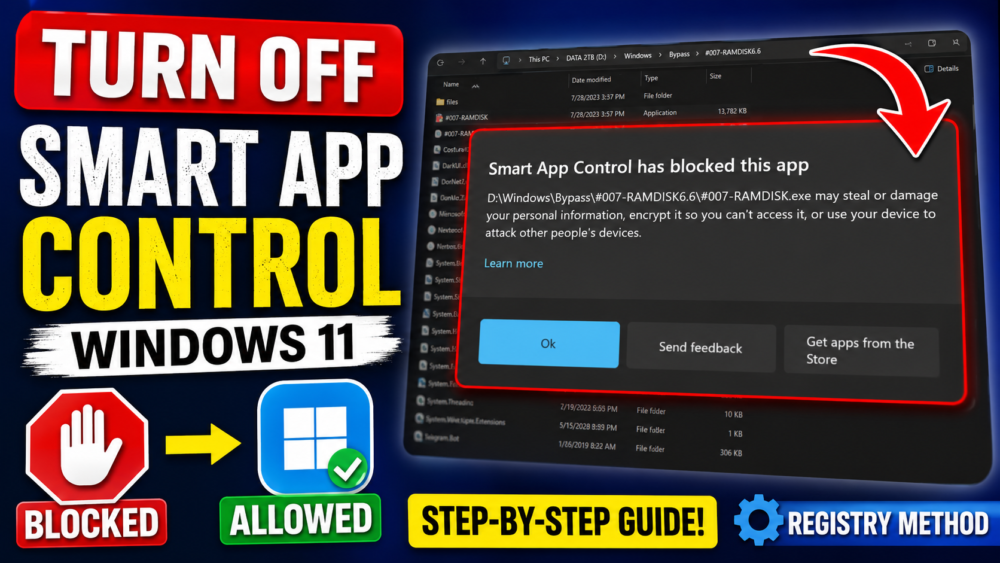

How to Turn Off “Smart App Control Has Blocked This App” in Windows 11
Are you getting the “Smart App Control has blocked this app” notification on Windows 11? 🛑 In this video, I’ll show you exactly how to turn off or disable Smart App Control (SAC) so you can run your apps without any interruptions.
Smart App Control is a security feature designed to block untrusted or unsigned applications. However, it can sometimes be a bit overprotective. I will guide you through the settings and show you the Registry Editor method if the options are grayed out.
#Windows11 #SmartAppControl #WindowsSecurity #TechFix #WindowsTutorial
READ MORE
Installing SideStore & LiveContainer iOS 26.4.x Install Unlimited Apps on iOS & iPadOS(No Jailbreak)
How to Fix Android Auto Voice Commands Not Working
If your Install is successful, please donate to ME, Thanks!
👍👍👍 http://bit.ly/donatePhoneGaming
———————————-
FOLLOW US 👍
▶️ FACEBOOK: https://www.facebook.com/gsmfixchannel/
▶️ SUBSCRIBE: https://goo.gl/EfqA7U
▶️ GOOGLE+: https://goo.gl/RYW8








Để lại một bình luận