
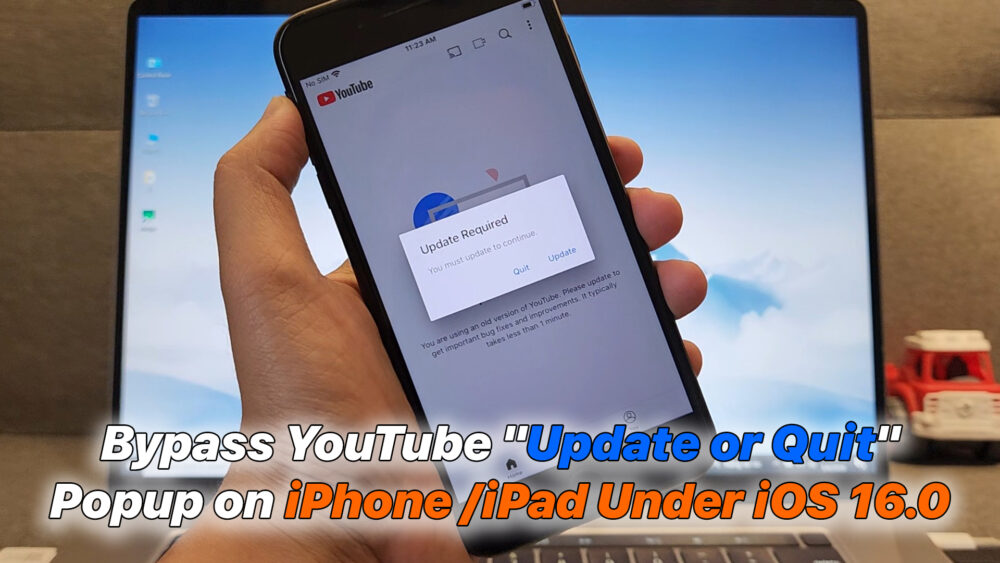

– Are you stuck with the annoying “Update or Quit” popup on your older iPhone or iPad? In this video, I’ll show you the ultimate permanent fix for iOS versions under 16.0. We will use TrollStore and the Dopamine Jailbreak to install the YouTube Legacy tweak, allowing you to use the official app without being forced to update your firmware.
Steps covered in this video:
1. Installing TrollStore (The permanent IPA installer).
2. Sideloading and running Dopamine Jailbreak.
3. Setting up Sileo and adding the necessary repositories.
4. Installing the “YouTube Legacy” / Version Spoof tweak.
#iOSJailbreak #TrollStore #DopamineJailbreak #YouTubeBypass #iOS15 #iOS16 #iPhoneTips #Sileo #Tweaks2026
Download File:
https://github.com/JJTech0130/TrollRestore/releases/tag/1.0
https://www.python.org/downloads/
READ MORE
How to Root Samsung Galaxy A12 A127F Android 13 U13(D) with Magisk [2026 Guide]
How to Fix YouTube “Update Required” on iOS 15 | iPhone 6s/6s+/7/7+ Legacy Support (2026)
If your Install is successful, please donate to ME, Thanks!
👍👍👍 http://bit.ly/donatePhoneGaming
———————————-
FOLLOW US 👍
▶️ FACEBOOK: https://www.facebook.com/gsmfixchannel/
▶️ SUBSCRIBE: https://goo.gl/EfqA7U
▶️ GOOGLE+: https://goo.gl/RYW8





Để lại một bình luận