
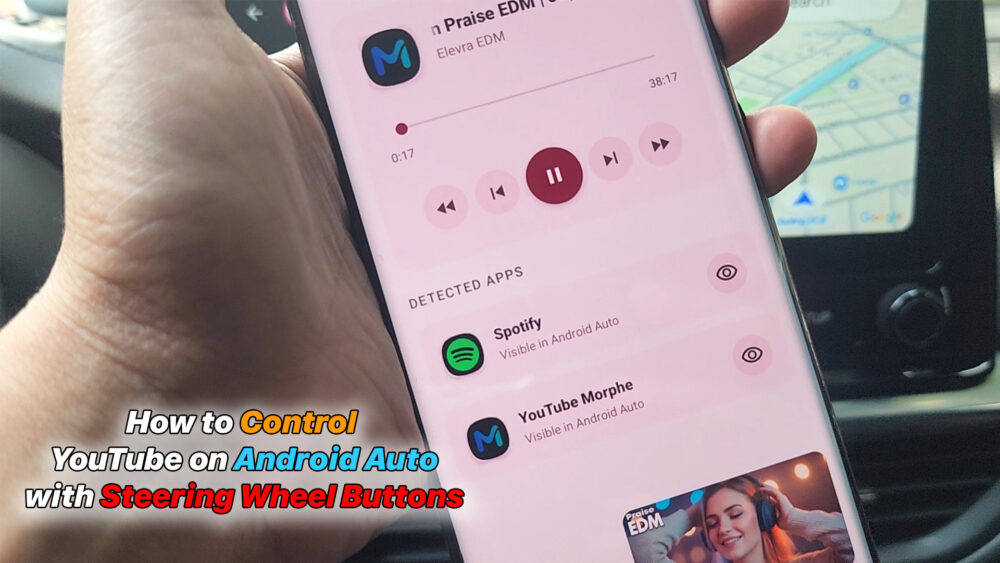

Tired of YouTube not playing nice with Android Auto?
In this video, I’ll show you how to use DashRelay to unlock full media control on your car’s screen. Whether you’re using YouTube Premium or other media apps, you can now:
Use Steering Wheel Buttons to play, pause, and skip tracks
. Keep YouTube playing in the background without losing control.
Enjoy a distraction-free driving experience with big, easy-to-use buttons. No ads, no tracking – just pure “drive and vibe.”
Download DashRelay on Play Store: https://play.google.com/store/apps/details?id=download.legitimate.dashrelay
#AndroidAuto #YouTubeAndroidAuto #DashRelay #CarTech #AndroidTips #SteeringWheelControl #SmartDrive
READ MORE
How to Watch YouTube on Android Auto | Android 15 & 16 (No Root)
How to Root Samsung Galaxy A72 (A725F) Android 14 – Full Guide 2026
If your Install is successful, please donate to ME, Thanks!
👍👍👍 http://bit.ly/donatePhoneGaming
———————————-
FOLLOW US 👍
▶️ FACEBOOK: https://www.facebook.com/gsmfixchannel/
▶️ SUBSCRIBE: https://goo.gl/EfqA7U
▶️ GOOGLE+: https://goo.gl/RYW8



Để lại một bình luận