
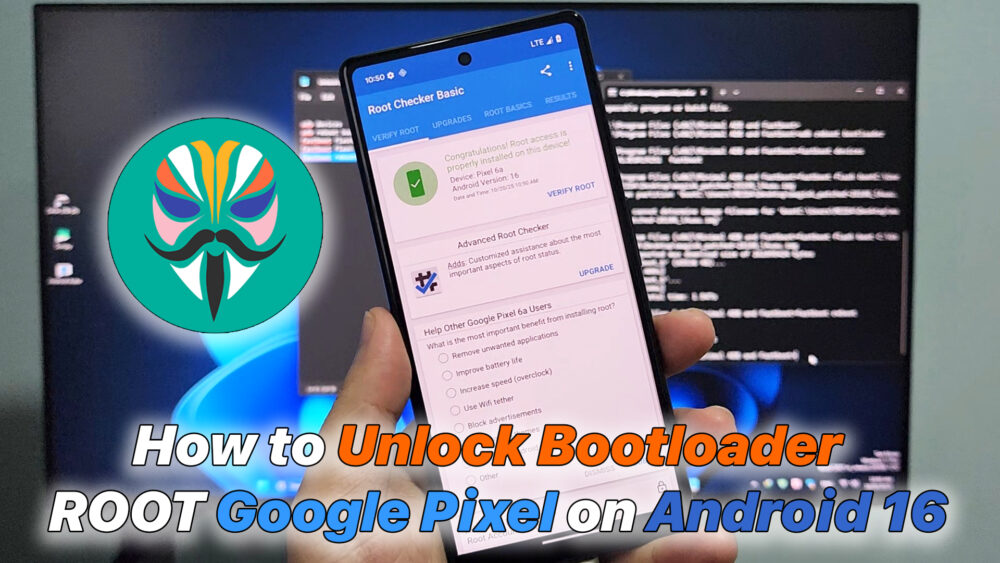

How to Unlock Bootloader and ROOT Google Pixel on Android 16
If you own a Google Pixel running Android 16, unlocking the bootloader and gaining root access gives you full control over your device — from custom ROMs and Magisk modules to advanced system tweaks. This guide explains every step to unlock bootloader and root your Pixel safely and effectively.
Before starting, make sure you have: A Google Pixel device (Pixel 6, 7, 8, or newer). Windows/macOS/Linux computer with ADB & Fastboot installed. USB cable for data transfer. Backup of your important data (unlocking bootloader wipes data). Battery above 60%.
#GooglePixel #Android16 #UnlockBootloader #RootPixel #Magisk #PixelRoot #AndroidRoot #BootloaderUnlock #Pixel8 #Pixel7 #TechGuide #AndroidMods #RootTutorial #PixelRootGuide
Download File:
https://developers.google.com/android/images
https://www.mediafire.com/file_premium/2g7xet3ijltvi1n/Minimal_ADB_Fastboot_v1.4.3.zip/file
https://github.com/topjohnwu/magisk/releases/
adb devices
adb reboot bootloader
fastboot devices
fastboot flashing unlock
fastboot flash boot or init_boot <file magisk patch>
fastboot reboot
READ MORE
Unlock Bootloader Xiaomi 13 Lite on HyperOS 2.0 (Android 15)
Watch YouTube on Android Auto Android 14 / 15 / 16 Without ROOT (Fermata Auto)
Đăng ký theo dõi kênh :https://bit.ly/RemoteTube
Group Telegram: https://t.me/+JY7o-1HXj_o0MmJl
Điện Thoại, Zalo | 033.43.11.013
Tham Gia Group Facebook | https://bit.ly/hotroxemyoutubeoto
Group Zalo Mua Bán Trao Đổi | https://zalo.me/g/fiwrln904
Liên hệ hỗ trợ | https://bit.ly/supportremotechannel






Để lại một bình luận