


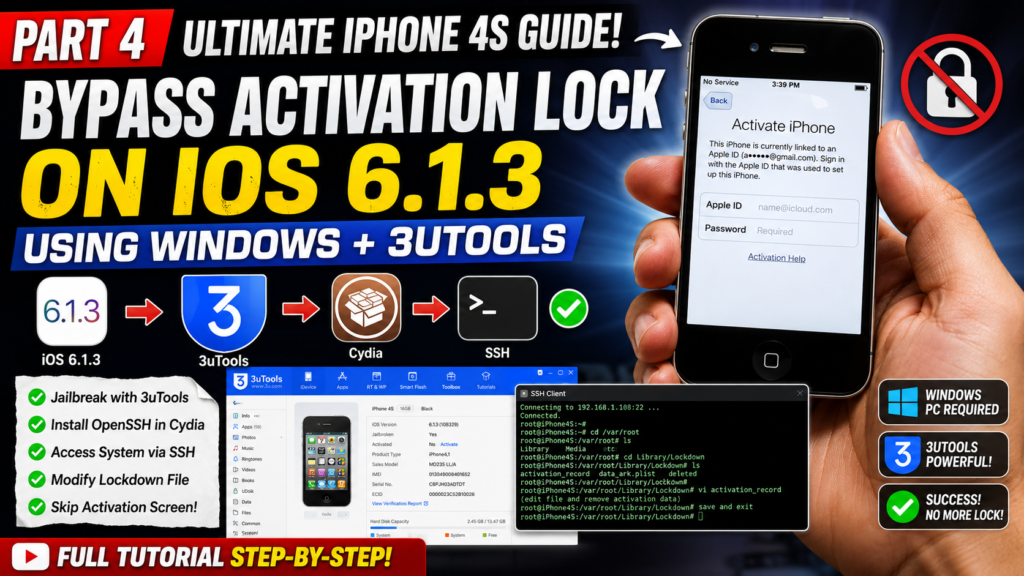
iPhone 4s Guide 4 | How to Bypass iCloud Activation iOS 6.1.3 (OpenSSH & 3uTools)
Welcome to Part 4 of the Ultimate iPhone 4S Guide! Did you successfully downgrade your iPhone 4S to iOS 6.1.3, but now it throws you back to the iCloud Activation screen every time you insert a SIM card or connect to Wi-Fi?

In this episode, I will show you how to permanently bypass this iCloud Activation lock on iOS 6.1.3 using Windows. We will use 3uTools to jailbreak the device, install OpenSSH, and use the SSH Client to modify the “lockdown” files to skip the setup screen entirely!
🛠️ Important Note: This process requires a Windows PC and 3uTools. Make sure your device is connected to the same Wi-Fi network as your PC (or via USB) for SSH to work. Modifying system files can be tricky, so follow the exact path I show in the video. Drop a comment below if you get an SSH connection error!
🔔 If this tutorial saved your iPhone 4S, please hit the LIKE button, SHARE, and SUBSCRIBE for the next episode!
#iPhone4S #iCloudBypass #iOS6 #3uTools #OpenSSH
Download File:
https://www.mediafire.com/file/oaukc3irns7va9j/lockdownd/file
https://www.mediafire.com/file/oaukc3irns7va9j/lockdownd/file
READ MORE
iPhone 4s Guide 3 | Downgrade iOS 9 to iOS 6.1.3 on WINDOWS (3uTools)

iPhone 4s Guide 2 | How to Bypass “Activation Required” (IMEI 99) | ChickenA5 (Windows)

If your Install is successful, please donate to ME, Thanks!
👍👍👍 http://bit.ly/donatePhoneGaming
———————————-
FOLLOW US 👍
▶️ FACEBOOK: https://www.facebook.com/gsmfixchannel/
▶️ SUBSCRIBE: https://goo.gl/EfqA7U
▶️ GOOGLE+: https://goo.gl/RYW8