


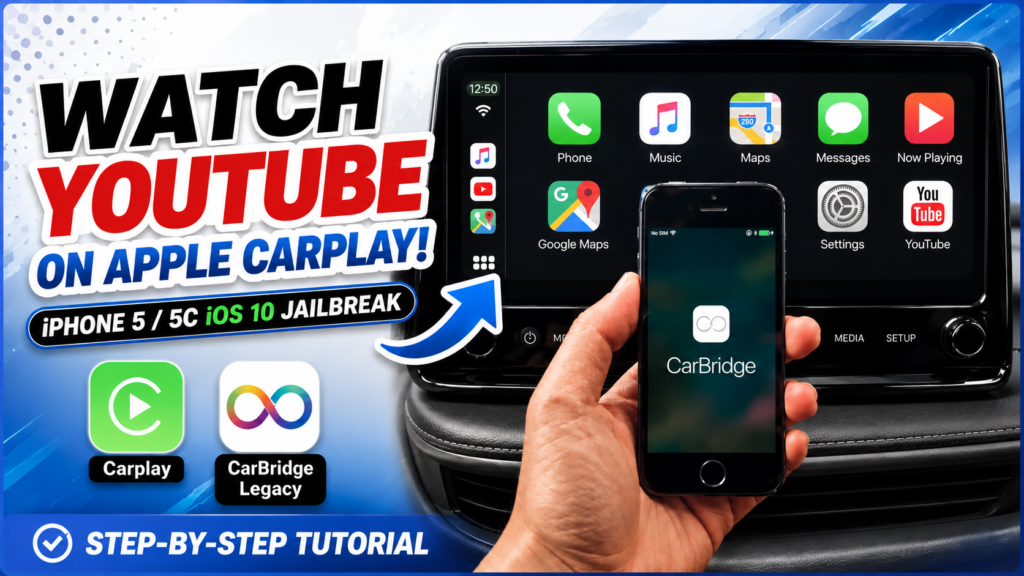
How to Watch YouTube on Apple CarPlay: iPhone 5 / 5C (iOS 10 Jailbreak & CarBridge)
🔥 Learn how to repurpose your old 32-bit iPhone 5 or iPhone 5C (running iOS 10) into a dedicated Apple CarPlay multimedia device! In this complete step-by-step tutorial, I’ll show you how to jailbreak iOS 10 using Rocket, set up Zebra package manager, install the CarBridge .deb file via Filza, and get a working version of YouTube running seamlessly on your car’s display using CarView.

No need to buy expensive AI CarPlay boxes—revive your old iPhone and enjoy full-screen YouTube on your car’s infotainment screen!
⚠️ SAFETY DISCLAIMER:
• Always keep your eyes on the road. Only use video streaming features while parked or stationary. • Jailbreaking involves modifying system software. Use a spare or secondary device like an old iPhone 5/5C rather than your primary daily driver.
#CarPlay #CarBridge #iPhone5 #iPhone5C #iOS10 #Jailbreak #YouTubeCarPlay #AppleCarPlay #CarView #Filza #Zebra #LegacyiOS
Link Download: https://www.mediafire.com/folder/afeu6shg5eulv/Carplay+iOS10
READ MORE
How to Jailbreak iOS 12 / 13 Fix Youtube “Tap to Retry” “Stops Playing After 1 Minute “

iPhone 4s Guide 5 | How to Downgrade iOS 9 to iOS 5.0 (Lowest iOS) | Legacy iOS Kit

If your Install is successful, please donate to ME, Thanks!
👍👍👍 http://bit.ly/donatePhoneGaming
———————————-
FOLLOW US 👍
▶️ FACEBOOK: https://www.facebook.com/gsmfixchannel/
▶️ SUBSCRIBE: https://goo.gl/EfqA7U
▶️ GOOGLE+: https://goo.gl/RYW8