


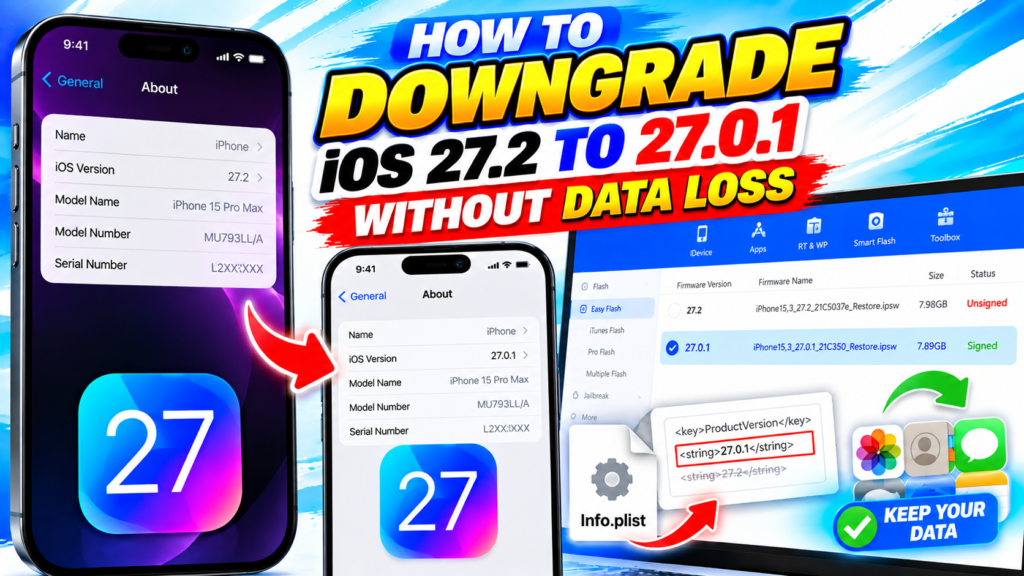
How to Downgrade iOS 27.2 to 27.0.1 Without Data Loss
Want to downgrade your iPhone from iOS 27.2 to iOS 27.0.1 without losing your data? In this tutorial, I’ll show you the method I used to downgrade iOS using an edited iTunes backup Info.plist file and 3uTools while iOS 27.0.1 is still being signed by Apple.

After installing iOS 27.0.1, I’ll restore the backup to bring my data and settings back to the device.
📱 WHAT YOU’LL LEARN
– How to back up your iPhone using iTunes.
– How to edit the Info.plist file in an iOS backup.
– How to change the backup’s iOS version information from 27.2 to 27.0.1.
– How to download and flash the iOS 27.0.1 firmware using 3uTools.
– How to restore your backup after downgrading.
– How to check your iOS version and data after the process.
🛠️ TOOLS USED
– Tunes— to create and manage the iPhone backup.
– nfo.plist editor — to edit the backup’s version information.
– 3uTools — to download and flash the iOS firmware.
#iOS27 #iOS272 #iOS2701 #iOSDowngrade #3uTools #iPhoneDowngrade #iTunesBackup #iPhoneTips #iOS27 #iOSDowngrade #3uTools #iPhoneTips #iOS2701
Download File:
https://ipsw.me/product/iPhone/
https://support.apple.com/en-vn/106372
https://notepad-plus-plus.org/downloads/
READ MORE
Clean Up Sony Android TV! Remove Ads & Bloatware Using Your Phone

How to Turn Your iPad into an Apple CarPlay Screen! | NO Jailbreak
