


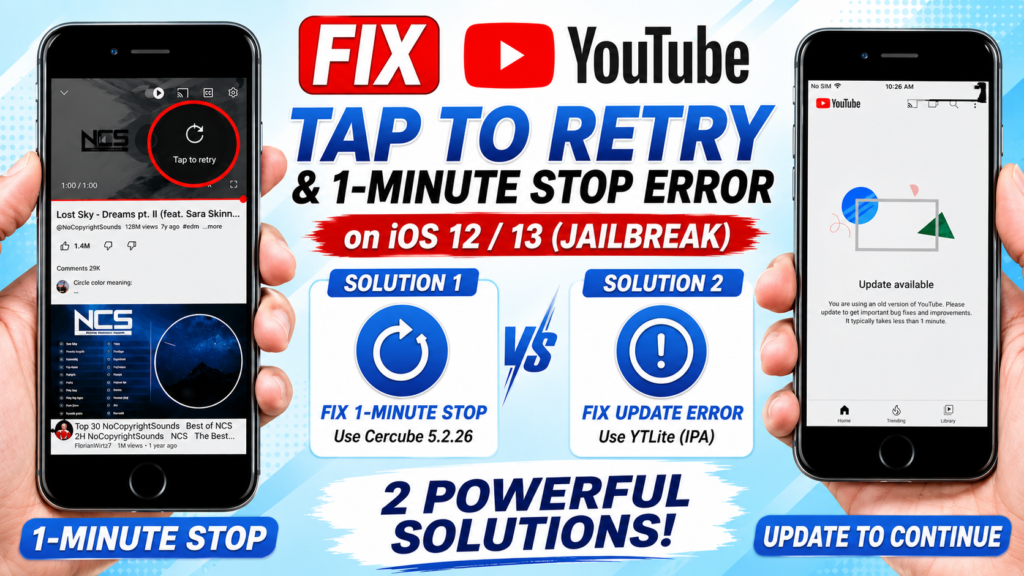
– Is your YouTube app stuck on “No stream, tap to retry”, stopping after exactly one minute, or forcing you to update on iOS 12 and iOS 13? In this updated tutorial, I will show you TWO powerful jailbreak methods to completely fix these YouTube errors and get the app running smoothly again!
You will need a jailbroken device for these methods. We will use AppSync Unified and Filza to install modified versions of YouTube that bypass older iOS restrictions.

🚀 METHOD 1: The Cercube Method (Fixing the 1-Minute Stop) Install the Cercube 5.2.26 (.deb) file via Filza. The Crucial Trick: Open YouTube and play the first video. Once it stops at the 1-minute mark, immediately tap on a second video. This completely bypasses the playback limit!
🚀 METHOD 2: The YTLite IPA Method Download and install the YTLite IPA directly.
🛠️ Important Note: Make sure you wipe your original YouTube app data using Apps Manager before trying these methods. If one method doesn’t work for your specific device, try the other! Drop a comment below if you need help troubleshooting.
#iOS12 #iOS13 #YouTubeFix #YTLite #Cercube #Jailbreak #iOS12 #iOS13 #YouTubeFix #YTLite #Cercube
Download:
https://github.com/verback2308/YTLite/releases
https://www.mediafire.com/file_premium/6wmhwkfeuojjjq2/cercube_5.2.26.deb/file
READ MORE
How to FIX YouTube “Tap to Retry” & 1-Minute Stop Error on iOS 12/13 (Jailbreak)

How to Jailbreak iOS 16.7.16 on iPhone 8 / 8+ / X | Dopamine & SideStore

If your Install is successful, please donate to ME, Thanks!
👍👍👍 http://bit.ly/donatePhoneGaming
———————————-
FOLLOW US 👍
▶️ FACEBOOK: https://www.facebook.com/gsmfixchannel/
▶️ SUBSCRIBE: https://goo.gl/EfqA7U
▶️ GOOGLE+: https://goo.gl/RYW8