


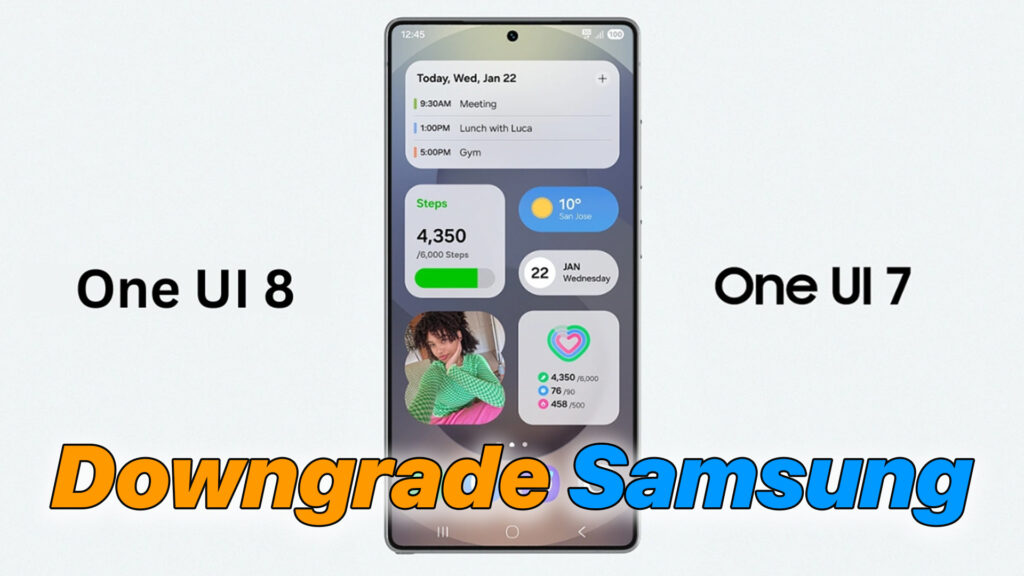
Downgrade Samsung Galaxy from Android 16 (One UI 8) to Android 14/15 (One UI 7 / 6.1)
– If your Samsung Galaxy device has been updated to Android 16 (One UI 8) and you are experiencing bugs, lag, battery drain, or missing features — you may want to downgrade back to Android 15 (One UI 7) or Android 14 (One UI 6.1). This guide will show you how to downgrade safely using Odin, without damaging your phone.

– Important Notes Before Downgrading Bootloader version must match or be lower/equal to older firmware → If your bootloader has increased, downgrade may not be possible Downgrading will erase all data → backup first
#Samsung #SamsungGalaxy #Android16 #Android15 #Android14 #OneUI8 #OneUI7 #OneUI6 #SamsungDowngrade #OdinFlash #RollbackFirmware #GalaxyS24 #GalaxyA55 #GalaxyA35 #TechGuide #FirmwareFlash #SamsungUpdate #AndroidUpdate #MobileTutorial #FixSoftware #GalaxyTips
Download File:
https://samfw.com/blog/download-odin-all-version
READ MORE
How to ROOT Xiaomi Redmi 15 on HyperOS 2.0 (Android 15) with Magisk

Unlock Bootloader on Xiaomi Redmi 15 (Android 15 / HyperOS 2.0) – After 72 Hours Waiting

If your Install is successful, please donate to ME, Thanks!
👍👍👍 http://bit.ly/donatePhoneGaming
———————————-
FOLLOW US 👍
▶️ FACEBOOK: https://www.facebook.com/gsmfixchannel/
▶️ SUBSCRIBE: https://goo.gl/EfqA7U
▶️ GOOGLE+: https://goo.gl/RYW8